
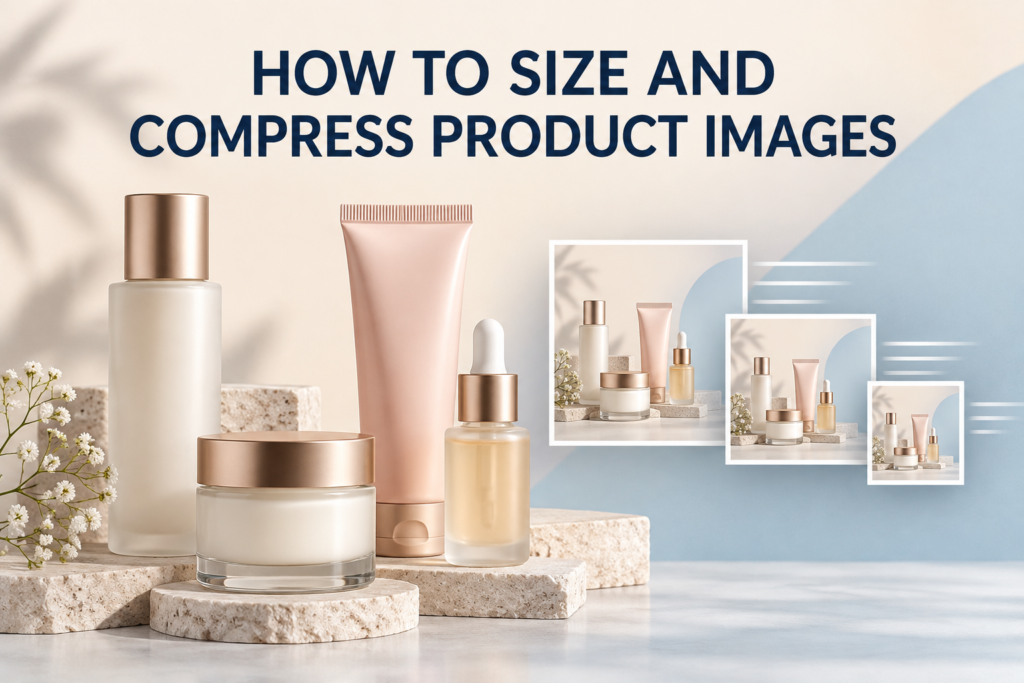
To size and compress product images for a fast website, resize each file close to its largest real display size, export it in an appropriate modern format, and reduce its weight until further compression creates a visible quality loss. Keep enough resolution for sharp high-density screens and any useful product zoom, but do not upload full-resolution camera files directly to a store.
The goal is not the smallest possible file. Product imagery must still show accurate color, clean label edges, glass, metallic finishes, fine textures, and details that support a purchase. A repeatable workflow balances visual quality with page speed.
Why does product image optimization matter?
Large files take longer to transfer. A page with a full gallery, recommendations, reviews, and marketing scripts can feel slow when every product photo is much larger than the browser needs. Slow image loading can also delay the main visual shoppers expect to see first.
Over-compression creates a different problem. Soft text, blocked gradients, halos around packaging, and muddy skincare textures reduce confidence. Optimization should remove unnecessary data while protecting the information the image is meant to communicate.
What size should product images be for a website?
There is no single correct pixel dimension for every website. Start with the largest size at which the image is actually rendered in the current design. Then allow additional resolution for high-density displays and, when the product page supports it, meaningful zoom.
For sharp high-density display, a practical source can begin around twice the largest rendered width, provided it also meets the site’s zoom needs. Test it in the real template rather than treating this as a universal rule.
Rendered size, intrinsic size, and file size are different
- Rendered size is how large the image appears on the page.
- Intrinsic size is the file’s pixel width and height.
- File size is the amount of data transferred, usually measured in kilobytes or megabytes.
A browser can visually shrink a very large file, but the visitor may still have to download all of it. Changing only the displayed width in a page builder does not necessarily optimize the source asset.
How do you choose dimensions for different placements?
Inventory every place an image will appear before exporting. A collection-card thumbnail, primary product image, zoom image, mobile banner, desktop hero, and blog feature have different jobs. One oversized file should not automatically serve all of them.
| Placement | Main priority | Check before export |
|---|---|---|
| Product grid | Fast, consistent scanning | Crop, apparent scale, small-size clarity |
| Product gallery | Detail and accurate presentation | Largest display size and zoom behavior |
| Homepage hero | Strong first impression | Desktop/mobile crops and text space |
| Blog image | Editorial clarity | Content width and social preview crop |
If the CMS creates responsive variants, upload a suitable master and confirm that the generated sizes are being used. If it does not, prepare the necessary derivatives and configure the template appropriately.
Which file format is best for product photography?
Choose the format based on the content and destination, not habit. Photographic images generally compress more efficiently in photo-oriented formats than in PNG. Transparency, browser support, CMS processing, and downstream marketplace requirements also affect the decision.
JPEG
JPEG remains useful for photographs with gradients, shadows, and many colors. It supports adjustable lossy compression and is widely accepted. It does not preserve transparency, and aggressive quality reduction can create blocks, ringing, and rough label edges.
WebP and AVIF
Modern formats can deliver strong visual quality at smaller file sizes, depending on the image and encoder. Confirm that the website, CDN, theme, editing workflow, and required downstream channels handle the chosen format correctly. Some systems accept a traditional upload and generate modern versions automatically.
PNG
PNG is useful when true transparency is required or when a graphic contains hard edges that do not tolerate typical photographic compression. For full photographic product scenes, PNG files can be unnecessarily heavy. Transparent cutouts should be tested against the actual page background to catch edge halos.
What does image compression do?
Compression reduces the amount of data needed to store an image. Lossless compression reorganizes data without discarding visual information. Lossy compression removes information judged less noticeable, allowing a much smaller file but potentially introducing artifacts.
For e-commerce photos, adjust quality while viewing the image at the size shoppers will use and at a close inspection size. Packaging text, glossy edges, translucent bottles, fine hair-care details, and smooth background gradients often reveal damage before the center of a matte package does.
How much should you compress a product image?
There is no responsible universal quality percentage because export tools, formats, and images behave differently. A simple white-background bottle may compress differently from a scene with foam, water, botanicals, glass, and soft shadows.
Use a visual threshold:
- Export a high-quality reference.
- Create a smaller version at a moderate setting.
- Compare label text, edges, gradients, textures, and reflections.
- Reduce quality in small steps until defects become noticeable.
- Return to the previous acceptable setting and record it as a preset for similar images.
Measure the actual file weight after export. A quality slider is an encoder setting, not a promise of a particular size.
How do you protect beauty and skincare image quality?
Beauty photography contains details that compression can damage easily. Frosted glass needs smooth tonal transitions. Metallic caps need clean highlights. Cream and serum textures need enough micro-contrast to communicate consistency. Pale packaging needs separation from a light background.
- Inspect small label text for ringing and softness.
- Check pale gradients for banding.
- Review transparent edges for halos.
- Compare metallic reflections for blocky transitions.
- Make sure texture smears still look natural rather than waxy.
- Verify that brand colors remain consistent across the collection.
Good optimization begins with a clean source. Controlled studio product photography and careful retouching make it easier to compress an image without hiding capture problems.
Should product images use the sRGB color space?
sRGB is a practical web-delivery choice because it is broadly expected in browsers and e-commerce workflows. Convert carefully from the editing color space and embed the intended profile when the workflow supports it. Do not simply remove color management and assume every device will interpret the values identically.
Compare exported files in multiple browsers and on more than one display when color is important. Cosmetic shades, tinted serum, packaging whites, and subtle brand colors deserve particular attention.
What are responsive product images?
Responsive images allow the browser to choose from several source sizes based on layout and device conditions. In HTML, this is commonly supported through source-set and size information; many content management systems generate and insert these variants automatically.
This prevents a small phone from downloading the same large asset used on a wide desktop. Confirm that the page actually serves the variants it generates.
Should product images be lazy-loaded?
Images below the initial viewport can often be loaded later, when the visitor approaches them. The main product image or page hero is different: delaying the image that defines the page’s first view can make the experience feel slower. Treat the prominent image as a priority and defer off-screen gallery or related-product images when the site’s implementation supports it.
Test the result instead of enabling settings blindly. Galleries, sliders, zoom tools, and page builders can interact with loading behavior in different ways.
How should product-image filenames and alt text be handled?
Use concise, descriptive filenames before upload when practical. Alt text should describe the image’s relevant visual content and purpose for someone who cannot see it. It is not a place to repeat a list of keywords.
For example, “amber facial serum bottle with dropper on a pale blue background” is more useful than “best skincare product photography e-commerce studio.” If nearby text already identifies the product and the image is decorative, the appropriate alt treatment may differ.
A practical image-optimization workflow
- Keep an archival master. Preserve the edited high-resolution source outside the website library.
- Confirm the crop. Match the aspect ratio required by the product gallery or content placement.
- Resize for the destination. Base dimensions on the largest real display and useful zoom requirement.
- Convert color for web delivery. Review the exported appearance, especially for cosmetics and pale packaging.
- Select the format. Consider photography, transparency, CMS support, and downstream reuse.
- Compress visually. Reduce weight while inspecting labels, edges, gradients, reflections, and textures.
- Name and describe the file. Add a clear filename and purposeful alt text.
- Upload and verify responsive delivery. Check which source loads on desktop and mobile.
- Test the live template. Review the gallery, zoom, thumbnails, layout shifts, and loading sequence.
For a complete image set, combine this export workflow with e-commerce photography planned around the actual product page.
Common product-image optimization mistakes
- Uploading camera originals: the browser downloads far more data than the layout uses.
- Resizing only with CSS: the image looks smaller but the source file remains unnecessarily large.
- Using PNG for every photograph: transparency is not needed, yet file weight grows.
- Chasing an arbitrary kilobyte target: important label and texture information is damaged.
- Ignoring mobile crops: the product or headline is cut off on the most constrained screen.
- Replacing the only master: future formats cannot be created without enlarging an already compressed file.
- Installing overlapping optimization tools: multiple systems may resize or recompress the same asset unpredictably.
How do you audit existing website images?
Begin with the homepage, core service or collection pages, and top product pages. Record each image’s displayed size, intrinsic dimensions, transfer size, format, and responsive variant.
Look for oversized heroes, galleries that preload every image, duplicate files, old PNG photographs, missing dimensions, and mobile pages receiving desktop-sized assets. Fix templates and workflows as well as individual files; otherwise the same problem returns with the next upload.
Frequently asked questions
Will compression make product photos blurry?
Compression can cause visible damage when pushed too far, but careful resizing and moderate compression can reduce file weight while preserving useful detail. Always inspect the exported image, not just the quality number.
Should I compress images before uploading to WordPress?
Prepare an appropriately sized, high-quality web file before upload, then understand what the site’s image tools do afterward. Avoid multiple layers of aggressive recompression, and retain the archival master separately.
Can one image file serve both thumbnails and zoom?
A responsive system can derive several sizes from one suitable master, but the smallest thumbnails and the zoom view have different requirements. Confirm that the page requests the right variant for each context.
Do smaller images automatically improve rankings?
Smaller files alone do not guarantee search visibility. They support a faster, more usable page when implemented well, while relevant content, helpful imagery, technical indexing, internal links, and overall page quality also matter.
Create web-ready product imagery
Picture Your Products creates product photography and visual assets for beauty, skincare, wellness, and lifestyle brands in Chicago and through remote product-shipping projects. To plan images around your website, gallery, and campaign formats, contact Picture Your Products.