
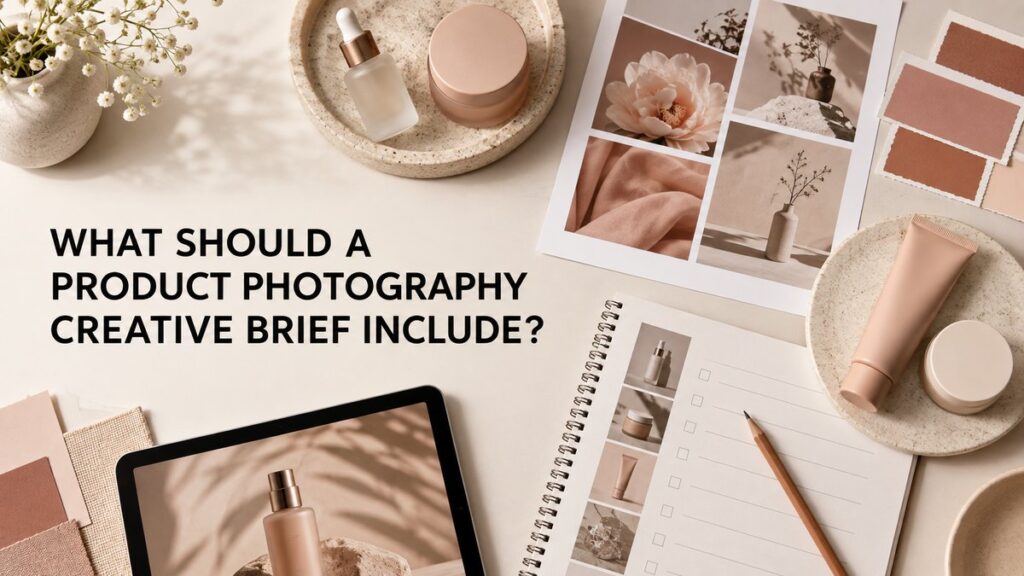
A product photography creative brief should explain what the images need to accomplish, who they are for, where they will appear, which products and shots are required, and how the finished files will be reviewed and delivered. A useful brief gives the photographer clear business and visual direction without trying to prescribe every lighting or camera decision.
The best briefs are practical. They connect the brand goal to a prioritized shot list, product information, visual references, formats, responsibilities, and approval steps. That clarity helps a photographer plan the right setups and helps the brand avoid discovering after the shoot that an essential angle, crop, or packaging detail is missing.
What Is a Product Photography Creative Brief?
A product photography creative brief is the project blueprint shared between a brand and its production team. It summarizes the purpose of the shoot, the products involved, the intended audience, the desired visual direction, and the assets that must be delivered.
It is related to a shot list, but the two are not identical. The creative brief explains the strategy and guardrails. The shot list translates that strategy into specific images. If you need help building the image-by-image plan, use this guide to planning a complete product photography shot list.
Start With the Project Objective
Open the brief with one or two sentences describing why the images are being made. Avoid broad goals such as “make the brand look better.” State the business use clearly.
For example:
- Create a consistent image set for a new skincare collection on the brand website.
- Refresh marketplace listings so every SKU has the same views and scale references.
- Develop campaign images for a seasonal launch across email, paid social, and landing pages.
- Show a new applicator, texture, or packaging feature that customers cannot understand from a front view alone.
The objective helps determine whether the project needs clean e-commerce images, styled campaign photographs, texture details, hands-in-frame demonstrations, group compositions, or a combination.
Define the Audience and Buying Context
Describe the customer the image needs to help and the decision that person is trying to make. A shopper comparing moisturizer sizes needs different information from someone discovering a luxury fragrance through a social advertisement.
Useful audience details may include:
- Whether the customer already knows the brand
- The product features that most influence the purchase
- Common points of confusion about scale, finish, shade, texture, or use
- The visual expectations of the sales channel
- The balance between informational clarity and emotional brand storytelling
This section does not need a full marketing persona. A concise description of the viewer and the image’s job is usually more useful.
List Every Product and Packaging Version
Include an accurate product list with SKU names, sizes, shades, scents, packaging variations, and bundle combinations. Identify which item is the hero product and which products only need supporting images.
Note product-specific details
Flag anything the production team should know before handling or photographing the samples:
- Reflective, transparent, translucent, or easily scratched packaging
- Labels that must face a specific direction
- Temporary samples or packaging that differs from the final retail version
- Liquids, creams, powders, or textures that may settle or change after opening
- Seals, applicators, cartons, inserts, or accessories that need to appear
- Color accuracy requirements for makeup, packaging, or product texture
Also state which details must not be altered during retouching. A photographer can plan more accurately when product and packaging constraints are known before the samples arrive.
Identify Where the Images Will Be Used
Name every confirmed destination: the brand website, retailer listings, Amazon, Shopify product pages, collection pages, email, organic social, paid advertising, press, or printed materials. Each placement can require a different crop, amount of negative space, resolution, or file format.
Do not simply request “web and social sizes.” List the actual placements that matter. A square product tile, vertical story, horizontal banner, and mobile product-page image do not use composition in the same way.
Build a Prioritized Shot List
The brief should summarize the required shot groups, then link to or include a detailed shot list. Mark each image as essential, useful, or optional so the production team knows what must be completed first.
A typical e-commerce plan might include:
- Front-facing product image
- Back or label view
- Three-quarter angle
- Packaging and product together
- Scale or in-hand image
- Close-up of an applicator, closure, texture, or finish
- Group image for a collection or routine
- Styled hero image for a landing page or campaign
The exact list should reflect the product and sales channel. The e-commerce product photo checklist can help identify informational views that shoppers may need.
Describe the Visual Direction
Explain the desired mood in concrete visual terms. Instead of relying only on words such as “premium,” describe the color palette, contrast, shadow quality, surface, composition, and amount of negative space.
Use references carefully
A moodboard is useful when each reference includes a note explaining what matters. You might like the warm side light in one image, the low camera angle in another, and the restrained prop styling in a third. Without notes, references can be interpreted in conflicting ways.
Also identify what should be avoided. Examples include heavy reflections across a label, overly decorative props, strong color casts, deep shadows that hide packaging, or compositions that feel too clinical.
Specify Deliverables and Technical Requirements
State the number and type of final images, required orientations, aspect ratios, file formats, dimensions, color space, background treatment, clipping-path needs, and naming conventions when known.
Separate finished deliverables from working files. If multiple crops are needed from one photograph, list them as distinct outputs. If a retailer has published image requirements, attach or link to the current specification rather than relying on memory.
For clean catalog assets, explain whether the final background should be pure white, transparent, lightly shadowed, or another approved tone. For styled studio product photography, specify where headlines, buttons, or packaging copy may need clear space.
Clarify Styling, Props, and Set Elements
List any approved props, surfaces, color swatches, ingredients, texture materials, or wardrobe elements. Note whether the brand will supply them or whether they still need to be sourced and approved.
Props should support product meaning rather than compete for attention. For beauty and wellness products, an ingredient reference may be useful when it is accurate and relevant. Avoid implying ingredients, benefits, or usage that the product does not have.
Assign Responsibilities and Logistics
A clear brief identifies who is responsible for shipping products, approving concepts, supplying brand files, confirming claims, and making final decisions. Include the product arrival deadline, delivery address, sample quantities, return instructions, and a contact for shipping questions.
If products are fragile, perishable, limited, or difficult to replace, mention that early. If several departments are involved, appoint one person to consolidate feedback. Conflicting comments from multiple reviewers can delay a straightforward project.
Set a Review and Approval Process
Define when the brand will review the shot list, visual direction, test images when applicable, and final selections. State who has approval authority and how feedback should be delivered.
Useful feedback is specific and consolidated. “Reduce the blue cast on the cap and leave more space above the bottle” is easier to act on than “make it pop.” The brief should also distinguish a correction from a new request that changes the agreed shot list or concept.
Include Timing and Budget Boundaries
List the product-ready date, required launch date, review windows, and any immovable retailer or campaign deadlines. A realistic schedule should allow time for product arrival, pre-production, photography, selections, retouching, and approvals.
You do not need to dictate a production method, but the brief should make the scope visible enough for an accurate estimate. SKU count, setups, styling, props, talent, retouching complexity, formats, and revisions can all affect the work involved.
What Should a Skincare Launch Brief Look Like?
Consider a three-product skincare routine launching on a brand website and social channels. The brief might identify the serum as the hero SKU, request consistent front and three-quarter e-commerce views for all products, include one routine group image, show the serum texture and dropper, and reserve vertical negative space for social copy.
The visual direction could call for soft directional light, controlled highlights on glass, pale neutral surfaces, and minimal props. The deliverables would list exact crops and background treatments. The product notes would flag label alignment, liquid level, and the need to photograph unopened backups before creating texture shots.
That is enough strategic direction for the team to plan the shoot while leaving room for professional lighting, composition, and styling decisions.
Questions to Answer Before Sending the Brief
- What decision should the image help a shopper make?
- Which products, sizes, shades, and packaging versions are final?
- Which shots are required and which are optional?
- Where will every asset appear?
- What visual qualities should be consistent across the set?
- Which product details must remain accurate?
- Who supplies products, props, claims, and brand files?
- Who gives final approval?
- What are the delivery formats and deadlines?
Frequently Asked Questions
How long should a product photography brief be?
It should be as short as possible while still answering the production questions. A focused brief with an attached product list, moodboard, and shot list is often more useful than a long document filled with general brand language.
Should a creative brief include a moodboard?
Yes, when visual interpretation matters. Add notes to each reference so the photographer knows whether you are pointing to the lighting, color, composition, surface, or styling.
Who should write the photography brief?
The person closest to the campaign goal can lead it, but product, e-commerce, creative, and brand stakeholders should verify the sections relevant to them. One decision maker should consolidate the final version.
Can the photographer help refine the brief?
Yes. A photographer can identify missing views, production constraints, and deliverable questions. The brand should still confirm product facts, claims, usage, priorities, and approval authority.
Plan a Clearer Product Photography Project
A strong brief turns a broad request into a production plan that connects images to real sales and marketing needs. If you are preparing a beauty, skincare, wellness, lifestyle, or e-commerce project, contact Picture Your Products to discuss the products, intended channels, and visual direction.